
Effect
Little Baby Jaws
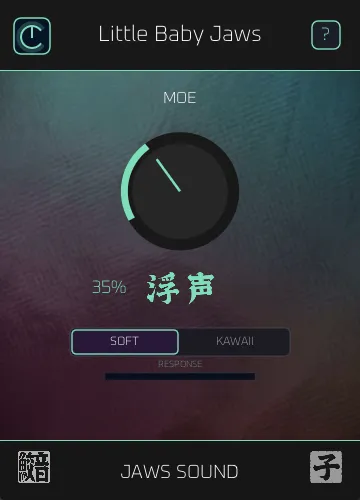
萌声Little Baby Jaws is a one-knob vocal character plug-in. Pick a mode, turn the MOE knob, and give your vocal a new voice — from eight voice tricks to a cute, bright KAWAII character.
$19.00View
便利
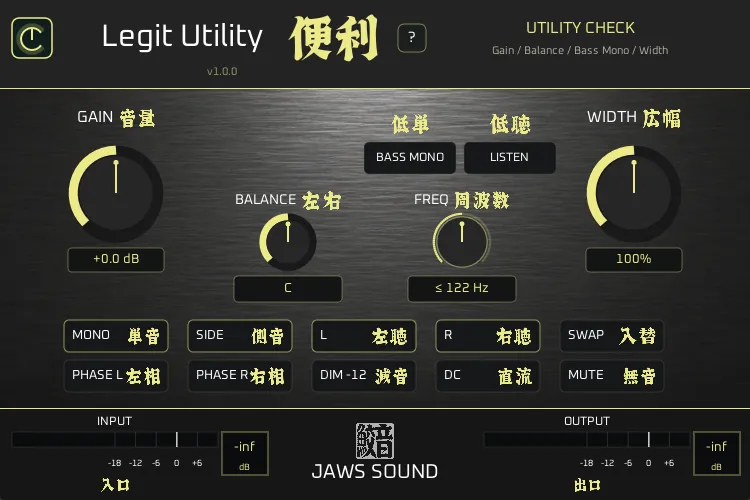
A utility plugin that puts the basic processing you repeat in every mix into one window.
Our new store is being activated. Purchases will open shortly.
macOS 12.0 or later. AAX requires macOS 14.0 or later.
The Windows installer is not code-signed, so Windows may show a SmartScreen warning. Click “More info”, then “Run anyway”.
Clean gain adjustment of ±24dB. Use it to level-match a track or bus quickly.
Adjusts the level difference between left and right, rather than panning. Use it to fix a lopsided stereo recording or an unbalanced source.
Mid/Side processing sets stereo width from 0% (Mono) to 200% (Wide). Use it to spread synths and background vocals, or to pull an overly wide source toward the center.
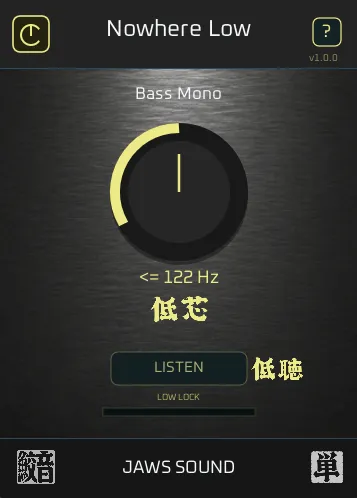
A crossover sums everything below the FREQ cutoff to mono (Mid channel only). Use it when kick or bass lows are too wide, or to stop the low end cancelling out on mono systems such as club PAs and smartphones.
A low-pass monitor that solos the band below FREQ, exactly what Bass Mono is processing. Use it when you aren't sure where to set the cutoff.
Sets the cutoff for both Bass Mono and Listen, in steps from 52Hz to 244Hz.
Switches the output to Mono (L+R), Side (L-R), Left only or Right only. Use it to check mono compatibility, hear the stereo spread on its own, or compare the two channels.
Swap exchanges the left and right channels, and Phase L/R inverts the polarity of each channel separately. Use Swap when overhead mics were recorded left/right reversed, and Phase when several mics cancel each other and the sound loses impact.
DIM attenuates the output by -12dB. DC removes DC offset (a shifted waveform center) with a high-pass filter.
New in 1.2.0
Open the preset list from the header. It has 15 factory presets: Default, Mono Check, Side Check, Left Only, Right Only, L/R Swap, Bass Mono 88 Hz, Bass Mono 122 Hz, Bass Mono 156 Hz, Low End Listen, Wide 130%, Narrow 70%, Polarity Flip, DC Remove and Dim -12 dB. You can also save and load your own presets, mark favourites, search, and step through with the < > buttons.
Selecting a preset in the list lets you hear it right away. OK confirms it, and CANCEL returns to the state when you opened the list.
While GAIN LOCK is on, loading a preset keeps your current GAIN.
The header has UNDO, REDO and a reset.
Option-click (⌥) resets a knob to its default value, and Option-drag moves it one displayed unit at a time. Click a value box to type a number directly.
The colour scheme has been refreshed.
The Mac version now supports AAX, for Pro Tools.
Supports macOS 12.0 or later. One installer lets you choose VST3, AU and AAX.
In AU hosts such as Logic, presets can only be saved and loaded inside the Presets folder (~/Documents/JAWS SOUND/Legit Utility/Presets). This is a macOS restriction, and a message appears if you choose another place.
Activating the 1.2.0 license (macOS and Windows) requires the JAWS SOUND Hub app. Until it is activated, the plugin passes the sound through unchanged. Existing buyers' licenses are carried over to JAWS SOUND Hub automatically.
Switching MONO, L and R together is now recorded correctly in your DAW's automation and undo.
The sound processing and parameters are the same as in 1.1.0, and sessions saved with 1.1.0 open as they are.
Effect
Little Baby Jaws is a one-knob vocal character plug-in. Pick a mode, turn the MOE knob, and give your vocal a new voice — from eight voice tricks to a cute, bright KAWAII character.
Saturation
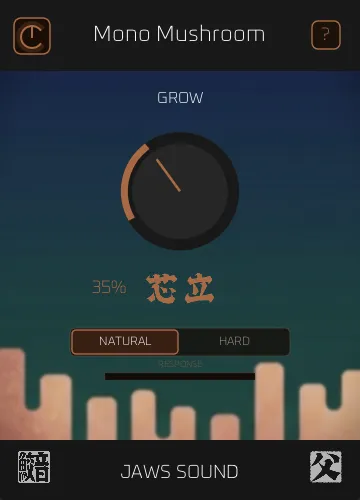
Mono Mushroom is a one-knob plugin that works only on the mid channel. It adds punch and pushes the track forward.
Utility
Nowhere Low is a Bass Mono plugin. It centers everything below the cutoff and leaves the stereo image above it alone.